
If you host on Airbnb, Booking, or another vacation rental platform, you know the scene well: the guest says their flight was delayed, arrival slipped past 11 p.m., and you still have to leave your house to hand over the key. Or worse — you agree on a time, the guest doesn't show, and you're left waiting in the building lobby.
Self check-in (also called autonomous or independent check-in) solves that. Instead of an in-person handover, the guest enters the property on their own, at whatever time works for them, following instructions you prepared in advance. It's more convenient for the guest, frees up your time, and — when done right — doesn't compromise the property's security.
In this article, we cover the most popular access methods, how to keep everything secure, and above all, how to document the process so your guest gets in without sending you a single message.
Why offering self check-in is worth it
The most obvious advantage is time. You stop coordinating arrival times and traveling to the property for every guest. But there are less visible, equally important gains:
- Flexibility for the guest — flights get delayed, traffic jams happen. Someone arriving at 1 a.m. doesn't have to apologize or wait for you.
- More bookings — many guests filter specifically for properties with self check-in. On Airbnb, it's also one of the criteria that help you reach and keep Superhost status.
- Less friction — without the pressure of a scheduled meeting, the stay starts more relaxed, which tends to show up in the reviews.
The trade-off is that all the information must be impeccable. In an in-person check-in, you answer questions on the spot. With self check-in, any ambiguous instruction becomes a late-night message — or an irritated guest at the door.
The main access methods
There's no single method that's best for everyone. The choice depends on the property type, budget, and who else needs access (cleaning crew, maintenance). Here are the most common options:
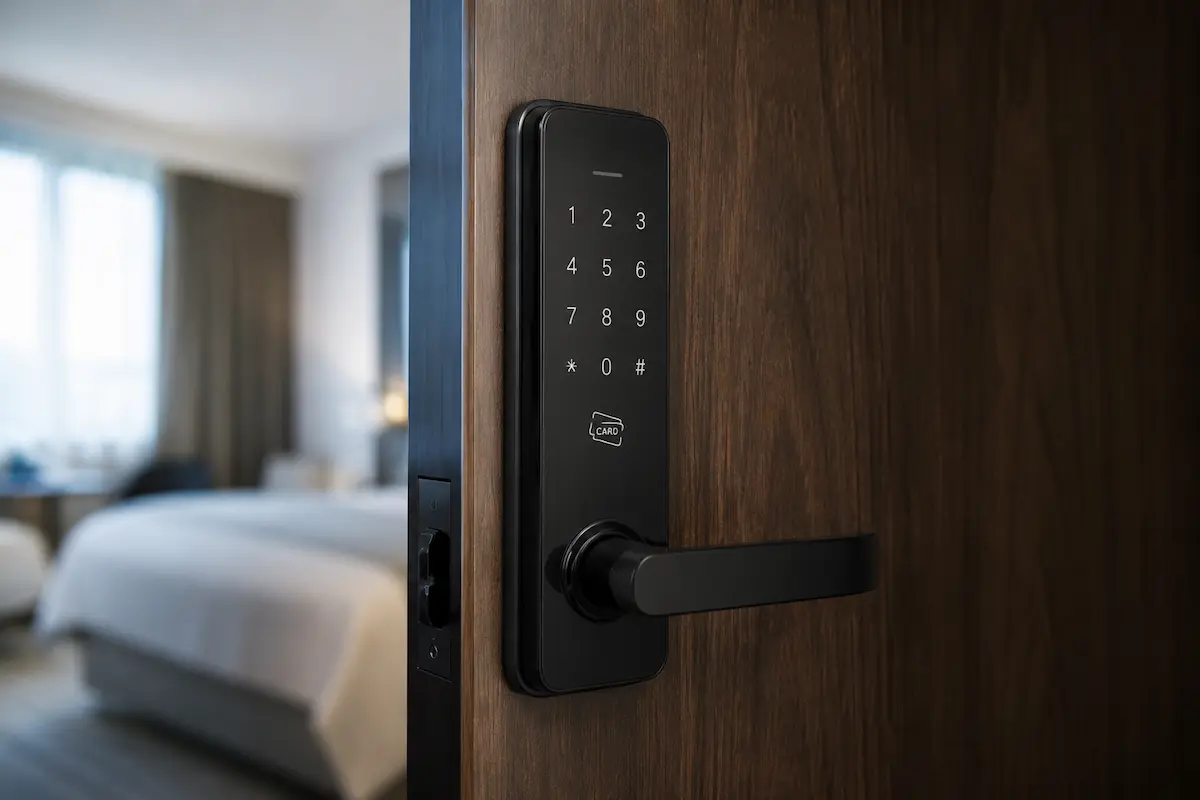
Smart lock with code
The most practical solution for frequent hosting. Instead of a physical key, the guest types a numeric code at the door. You can generate a different code for each booking and set its validity — it automatically stops working after check-out.
It's the most secure form of self check-in because it eliminates the physical key entirely and creates a record of who entered and when. The upfront investment pays off for year-round rentals.
Key lockbox
A small box with a combination lock, mounted near the door or somewhere discreet, holding the physical key inside. The guest receives the code, takes the key, and returns it at the end of the stay.
It's the cheapest option and requires no electrical installation. The essential precaution: change the code between guests. A code reused for months is a serious security flaw.
Doorman, front desk, or trusted neighbor
In buildings with a 24-hour doorman or inns with a front desk, key handover can be delegated to third parties. It works well, but depends on other people's availability and goodwill — which is why it's usually combined with one of the methods above as a backup.
Smart mailbox or code-locked cabinet
Common in larger buildings, it's a lockbox variation built into the building's structure. Same principle: stored key, code-based access.
Security: what can't fail
Self check-in doesn't mean giving up control. A few precautions make the process as secure as an in-person handover:
- Always change the code between stays. Whether on the smart lock or the lockbox, a fresh code for every booking is the golden rule.
- Never leave the code publicly exposed. Send it only through the platform's channel or a restricted-access guide — never in the listing or a public message.
- Show the way with photos. Most access questions aren't about the code — they're about where the door is, which floor, where the lockbox is. Real photos of the route eliminate almost all of those messages.
- Have a plan B. Dead lock battery, code that won't work — leave a direct emergency contact and, if possible, a spare key with someone nearby.
The link that usually fails: the instructions
You can have the best lock on the market, but if the instructions arrive scattered across five WhatsApp messages, the guest will get lost. The critical point of self check-in isn't the hardware — it's the clarity of the information at the right moment.
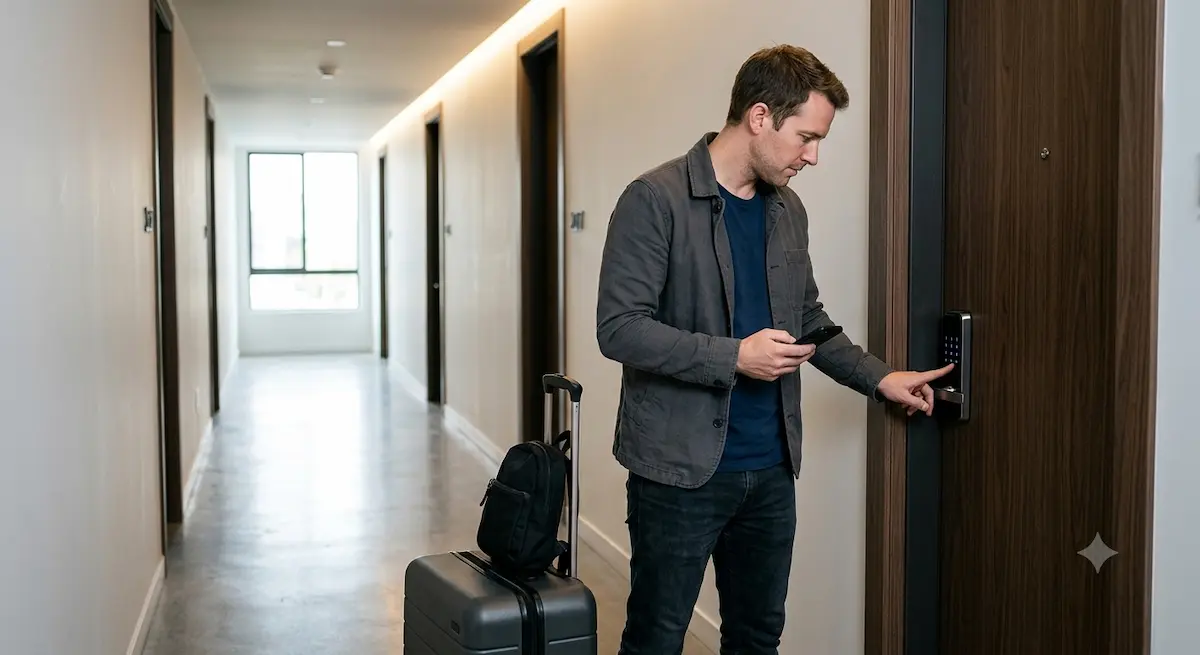
This is exactly where a digital guide makes the difference. Instead of repeating the same steps for every booking, you document the access once, with text, photos, and even video, in a dedicated section the guest opens on their phone. A well-documented self check-in usually includes:
- The full address and how to get there, with transportation and parking directions
- Photos of the route — the building entrance, the floor, the right door
- The location of the lockbox or lock, also in photos
- The step-by-step for the code: where to type it, how to confirm, what to do if it doesn't open
- What to find right after entering — breaker panel, air conditioning, Wi-Fi
- A highly visible emergency contact, in case something goes wrong
The extra advantage of the digital format is real-time updates. If the lock's code changes, or the building's gate starts opening differently, you edit once and every subsequent guest sees the right version — with no risk of accidentally sending outdated instructions.
Putting it together: a check-in flow that runs itself
In practice, a good self check-in follows roughly this flow:
- Before arrival, the guest receives the guide's link with all the access information gathered in one place.
- On arrival, they follow the route photos to the door without getting lost.
- They use the code — valid only for their stay — to get in.
- Inside, they find in the same guide the Wi-Fi, house rules, and equipment instructions.
- If anything unexpected happens, the emergency contact is at hand.
Notice that in this flow, you didn't have to send a single manual message. The guest got in, settled down, and has everything they need — while you got your time back.
Check out the demo guide from Guialo and see how this information reaches the guest in practice.
Frequently asked questions
Is self check-in secure?
Yes, as long as you follow best practices: change the code for every stay, never leave the code publicly exposed, and keep an emergency contact available. Smart locks also log who entered and when, giving you more control than a traditional physical key.
Do I need to buy a smart lock to offer self check-in?
Not necessarily. A key lockbox with a code is a much cheaper alternative and requires no electrical installation. The smart lock is more convenient for high-frequency hosting, but the lockbox works well for most hosts.
How do I give guests the access instructions?
The ideal is to gather everything in one easy-to-access place, instead of scattering it across multiple messages. A digital guide lets you document the access with text, route photos, and video, and the guest opens everything on their phone via link or QR code — no app to install.
Does Airbnb favor properties with self check-in?
Yes. Self check-in is one of the filters many guests apply in their search, and easy arrival often shows up in reviews — a factor that counts toward reaching and keeping Superhost status.
What if the guest can't get in?
That's why a plan B is essential: a direct emergency contact clearly visible in the guide and, if possible, a spare key with someone trustworthy near the property. Including a step on what to do if the door won't open prevents most of the panic.
Does this work in my country?
Yes. Self check-in practices are the same everywhere, and a digital guide can be presented in English, Spanish, and Portuguese for international guests.


